Work Breakdown Structure Example: How to Break Down Any Project Step by Step
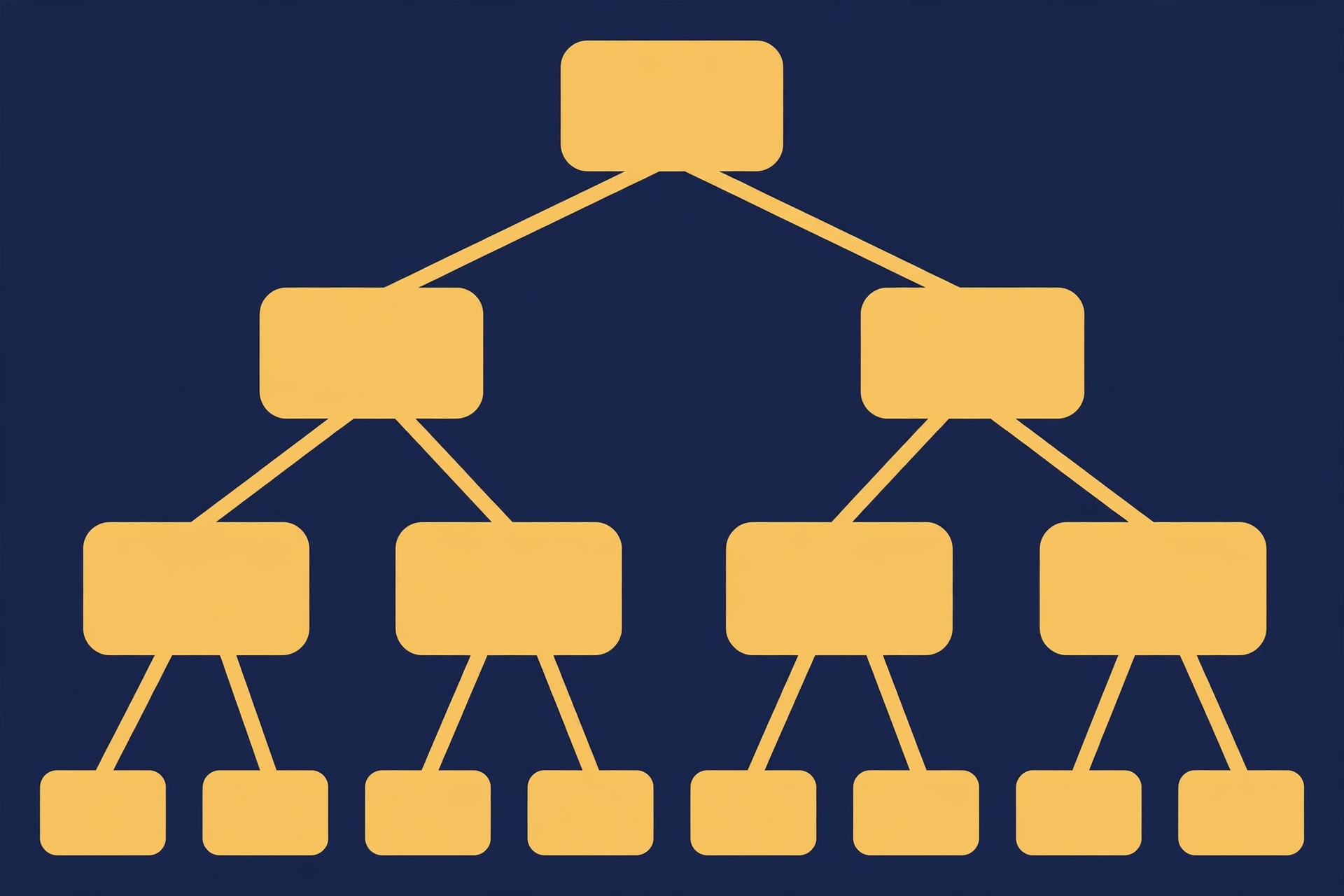
Searching for a work breakdown structure example that's simple enough to follow and detailed enough to copy? You're in the right place. A work breakdown structure, usually called a WBS, is a tree diagram that splits a whole project into smaller and smaller pieces. You keep splitting until every piece is small enough to estimate, schedule and assign. The project name sits at the top of the tree. Major deliverables branch out below it, sub deliverables branch further, and work packages sit at the very bottom. The WBS is the backbone of project planning. Schedules, budgets and resource plans all get built on top of it. A strong WBS makes everything that follows easier. A weak one makes every later step painful. You don't want that.
1. What a Work Breakdown Structure Is and What It Is Not
Here's the key thing about a WBS: it organises the project by deliverables, not activities. Deliverables are things the project produces. A designed website. A tested product. An approved plan. Activities are the actions that create them, like holding a meeting or writing a report. A WBS lists the what, not the how. If your tree is full of verbs like conduct and review, you're listing activities. Rewrite them as nouns. It isn't a schedule either. It shows no dates and no order of work. The schedule comes later, built by sequencing the work packages at the bottom of the tree. Keep deliverables and activities separate and the structure stays clean.
2. The Work Breakdown Structure Example: A Website Project
Let's make this real. Here's a complete work breakdown structure example for a fictional project: the Greenleaf Bookshop Website Launch. Level 1 is the project name. Level 2 lists the four major deliverables: 1.0 Design, 2.0 Development, 3.0 Content and 4.0 Launch. Level 3 breaks each one further. Under 1.0 Design: 1.1 Homepage design, 1.2 Product page design, 1.3 Mobile responsive design. Under 2.0 Development: 2.1 Homepage build, 2.2 Shopping cart build, 2.3 Payment integration. Under 3.0 Content: 3.1 Product descriptions, 3.2 Blog posts, 3.3 Photography. Under 4.0 Launch: 4.1 Testing, 4.2 Staff training, 4.3 Go live. If a box still feels too big to estimate, break it one level deeper. Notice every box is a noun phrase. Every number tells you exactly where it sits. Nothing here is a meeting or a phase. Students build WBS trees like this for project management coursework, and our business plans service has seen that this deliverable first habit separates strong submissions from average ones. Copy this shape with your own deliverables and you'll have a working WBS in under an hour.
3. How to Build a Work Breakdown Structure in Five Steps
Start from the top and work down. Five steps. Step 1: write the project name at the top and confirm the final deliverable is agreed. A WBS built on fuzzy goals falls apart. Step 2: list the major deliverables as the level 2 branches, aiming for three to seven of them. Step 3: break each deliverable into sub deliverables until every box is small enough to assign to one person and estimate in hours. Step 4: review the tree with the team and the sponsor. Check that every branch belongs to exactly one parent. A deliverable under two parents gets double counted or missed. Step 5: freeze version 1 of the WBS and treat changes as formal change requests. Most beginners try to build the WBS alone in a document. Don't. Build it with the people who'll do the work, because they'll spot missing pieces you can't see.
4. Two Rules That Keep Your Work Breakdown Structure Honest
Two rules catch most beginner errors. First, the 100 percent rule. The WBS must capture 100 percent of the project work. No more, no less. Every parent box must equal the sum of its children. If the children add up to less than the parent, something's missing. If they add up to more, something's duplicated. Apply this check at every level. Don't move on until it balances. Second, the 8 to 80 hour rule. Each work package at the bottom of the tree should take between 8 and 80 hours. Smaller than 8 hours creates too much admin. Larger than 80 hours is too big to track, so break it down further. Our business plans team applies the same checks to every project plan we deliver.
5. Five Work Breakdown Structure Mistakes Beginners Make
Now the classic mistakes. First, listing activities instead of deliverables, which turns the WBS into a to do list. Second, adding boxes for project management itself, like meetings and reporting, as if they were deliverables. Third, breaking the tree too deep, which creates hundreds of tiny boxes nobody will maintain. Fourth, skipping the team review. Don't build the tree alone. That guarantees missing work. Fifth, changing the WBS quietly during the project instead of recording changes, which wrecks the budget baseline. Watch for these five and your structure will hold up. You won't regret it.
6. When to Update Your Work Breakdown Structure After the Project Starts
A WBS isn't carved in stone. Update it whenever the scope changes through an approved change request, when a deliverable is added or removed, or when the project moves into a new phase and the next level of detail becomes clear. Version the tree and keep the old versions, so you can show exactly what changed and when. Don't let the WBS and the change log disagree.
Every good work breakdown structure example shows the same pattern. It's simple. One project at the top, deliverables below, work packages at the bottom, and nothing else. Build it with your team, check it against the 100 percent rule, and keep every box a deliverable. It's worth the effort. Want a professional to review your WBS or your full project management assignment? Our team can help. Reach us any time through the contact page.
Project WBS deadline coming up?
Bright Quill helps you build a clear work breakdown structure, with tutoring and editing around your brief and your own ideas. Help starts at $25 per 500 words.